How it works
From the first click to the first harvest.
You choose the garden and crops. The producer confirms the terms and grows them. PlantOn lets you follow what happens throughout the season.
An important distinction
An enquiry is not a confirmed reservation.
Sending an enquiry shows interest. The producer checks availability, confirms the terms and agrees payment with you. When everything is ready, they confirm the reservation.
Enquiry sent
Producer accepted
Reservation confirmed
When the producer confirms the reservation, growing begins and you can follow beds, activities and progress in PlantOn.
The full process
From choosing a garden to harvest.
Before a garden becomes active, the producer confirms availability, terms and payment. After that, you follow the whole season in PlantOn.
- 01
Choose a garden
Choose a producer, garden and crops, then send your enquiry.
- 02
Confirm the agreement
The producer checks availability, confirms the terms and agrees payment with you. They then confirm the reservation.
- 03
Follow the season
Follow planting, growth and garden activities. When crops are ready, arrange harvest or pickup with the producer.
Detailed viewWhat happens after you send an enquiry?
- Step 01
Find a producer and garden
Compare location, garden type, price, crops, terms and availability.
- Step 02
Create a profile
You only need a user account when you find a garden and want to send an enquiry.
- Step 03
Choose your first crops
Choose the crops you want or leave the beds for later, if the offer allows it.
- Step 04
Send an enquiry to the producer
The producer checks capacity, crops, timing and other terms.
- Step 05
The producer confirms terms and initial costs
The producer confirms the enquiry and initial costs and agrees payment with you. The producer issues invoices and any other required documents according to its business and applicable rules. Harvest or delivery may be charged later when stated in the offer. PlantOn does not process payments between customers and producers.
- Step 06
The producer confirms the reservation
Once terms are met, the producer confirms the garden is ready to start.
- Step 07
The garden comes to life
Follow planting, photos and garden activities, plus the progress of every bed.
- Step 08
Harvest is getting closer
The producer marks what is still growing, what is nearly ready and when it is time to harvest.
- Step 09
Harvest and pickup
When harvest is ready, you see the garden's model, choose the quantity to collect and, when charged by quantity, see the amount before confirming. Pickup and delivery depend on the producer's offer.
After reservation confirmation
Your season starts after the reservation is confirmed.
In the app, you see what is planted, the stage of each bed and what the producer most recently did in the garden.
Details for customers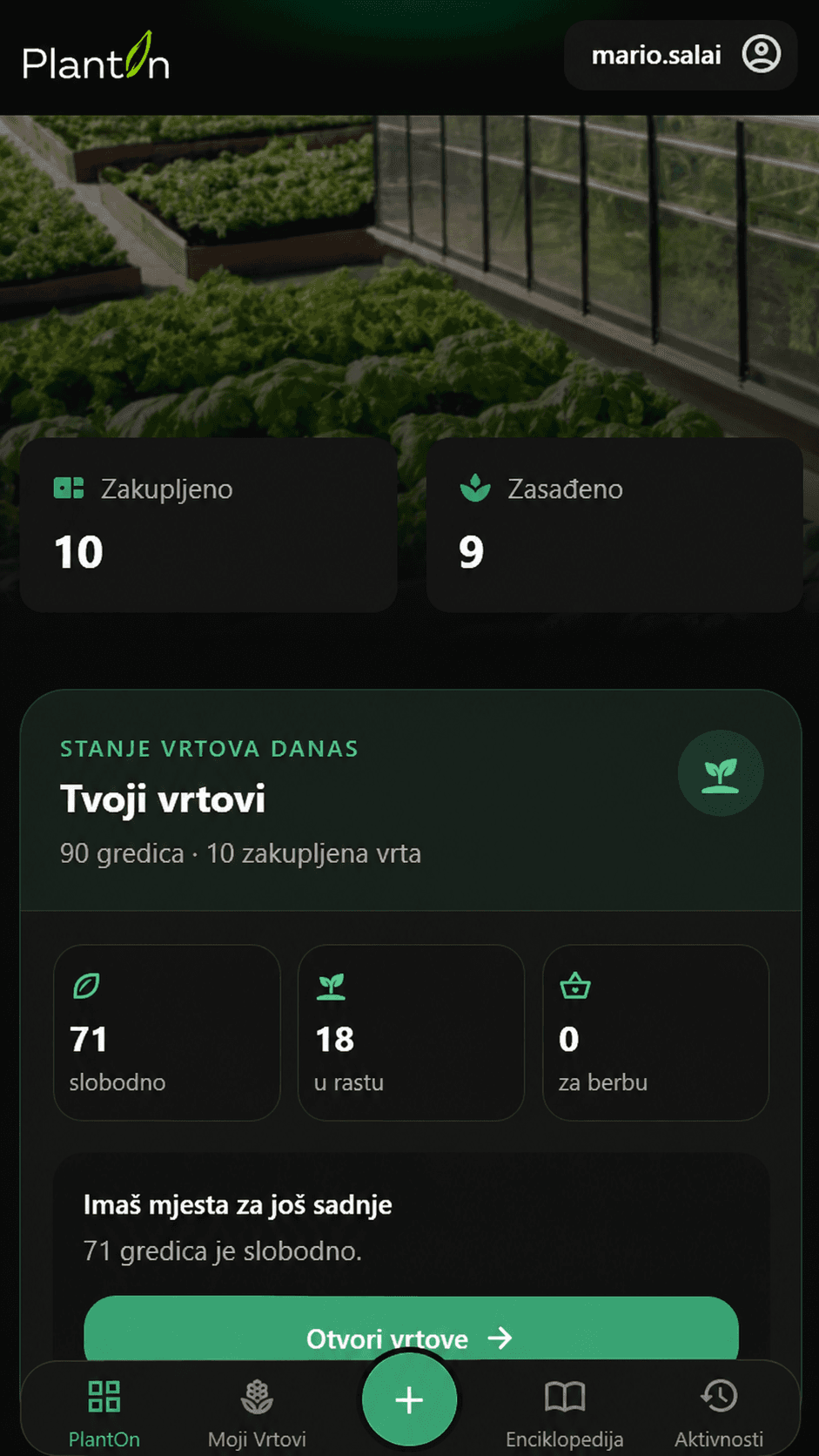
A new cycle
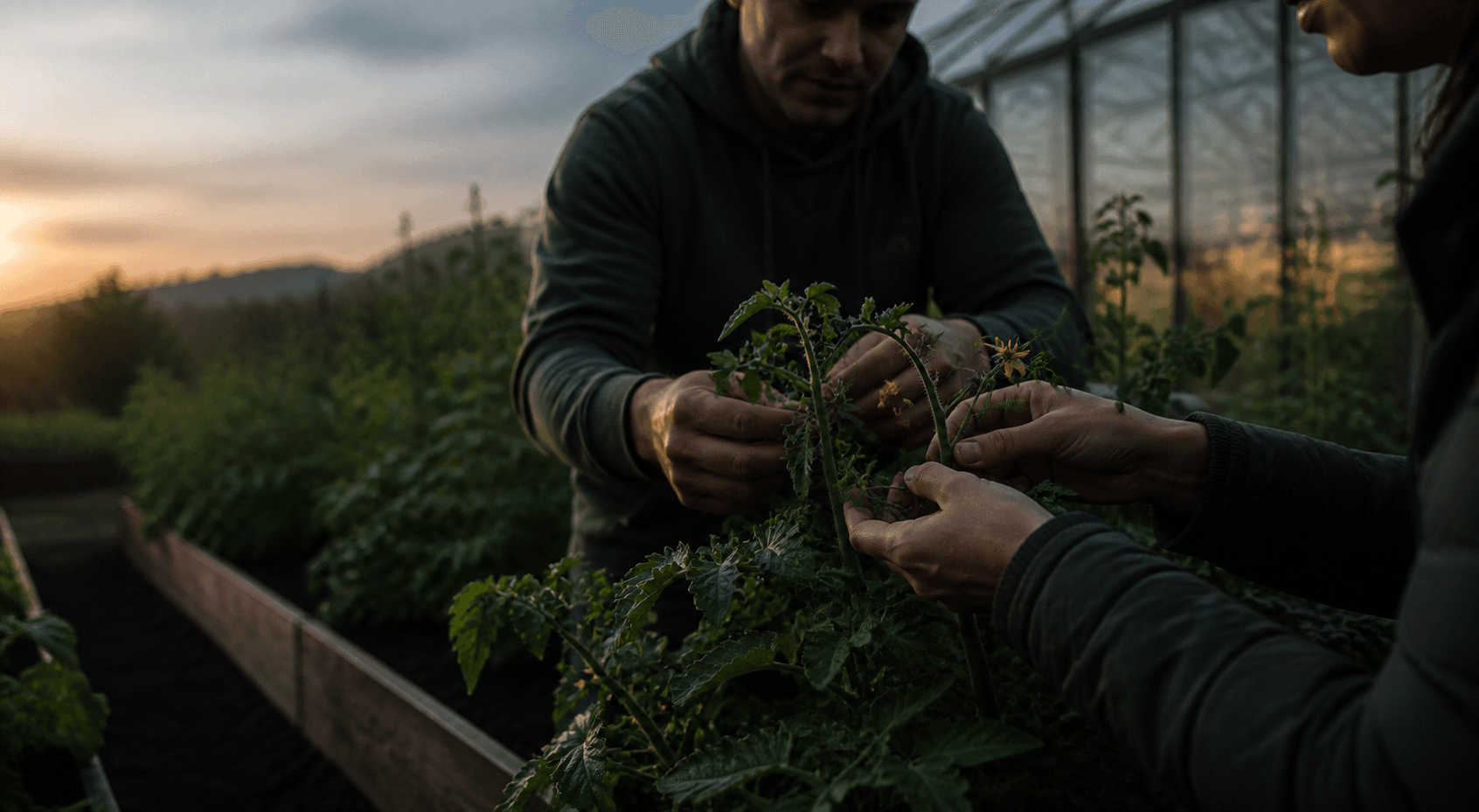
A new planting can begin after harvest.
If the season and producer's offer allow it, the available bed can be planted again.
Next step
See what a real listing looks like.
Open a demo garden and see its area, prices, available crops, beds and terms in one place.